

What Are the Maintenance Methods for MC4 Connectors?
If you want to get the most out of your solar power system, keeping your MC4 connectors in top condition is essential. Poor maintenance can lead to power loss or system failure.
Regularly maintaining MC4 connectors ensures the efficient operation of your solar system. From cleaning to inspecting and preventing rust, here are the key methods to keep your connectors performing optimally.
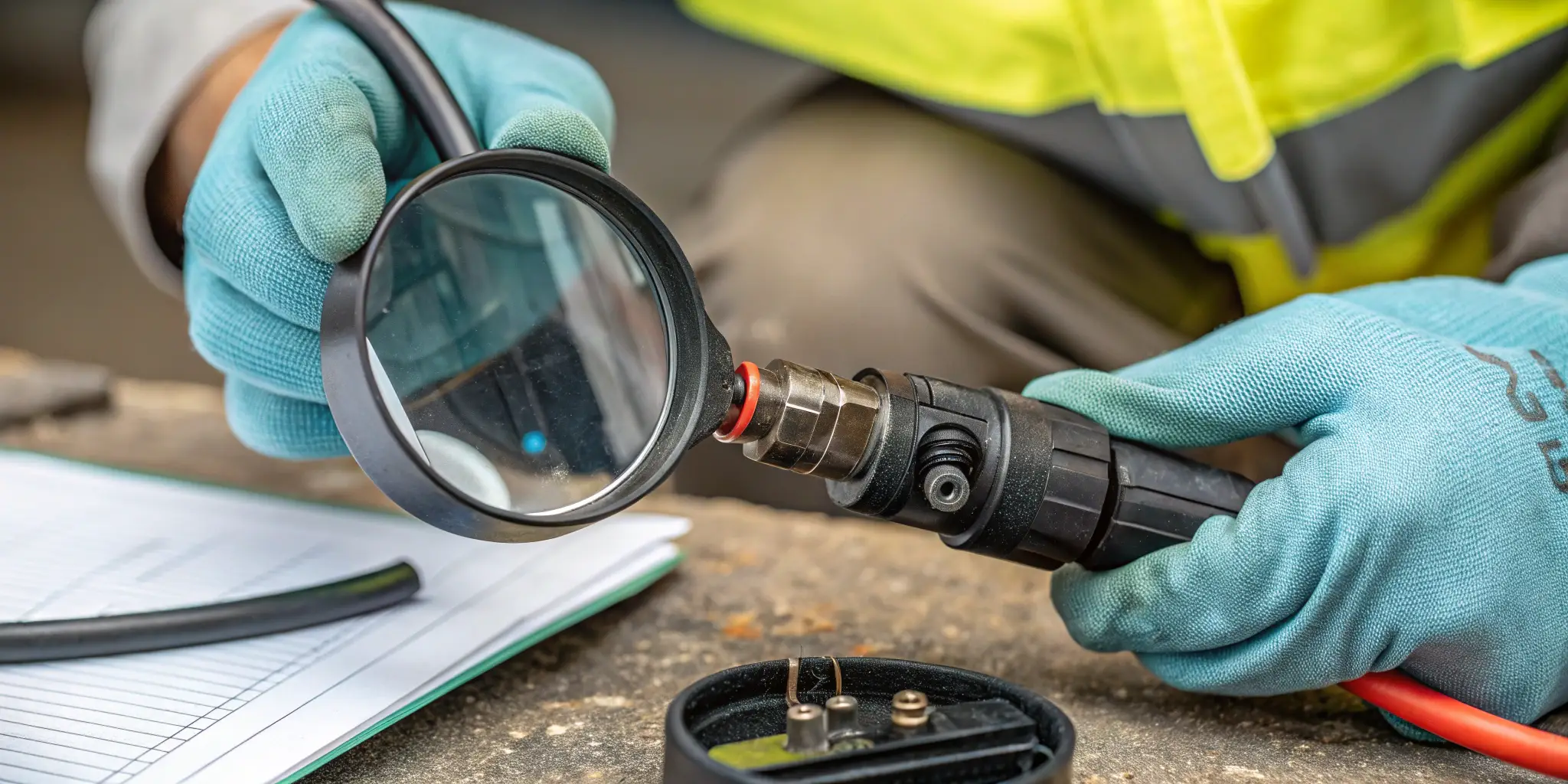
Proper maintenance not only extends the life of your connectors but also improves the safety and reliability of your entire solar system. Let’s dive into how you can keep them in great shape.
How Can You Clean MC4 Connectors to Maintain Optimal Performance?
Keeping your MC4 connectors1 clean is one of the simplest yet most effective maintenance practices. Dirt, dust, and debris can impair their electrical connection, reducing the overall system performance.
To clean MC4 connectors, first, disconnect the system. Use a soft cloth or brush to remove dirt. For stubborn debris, gentle cleaning with mild soap and water can help.
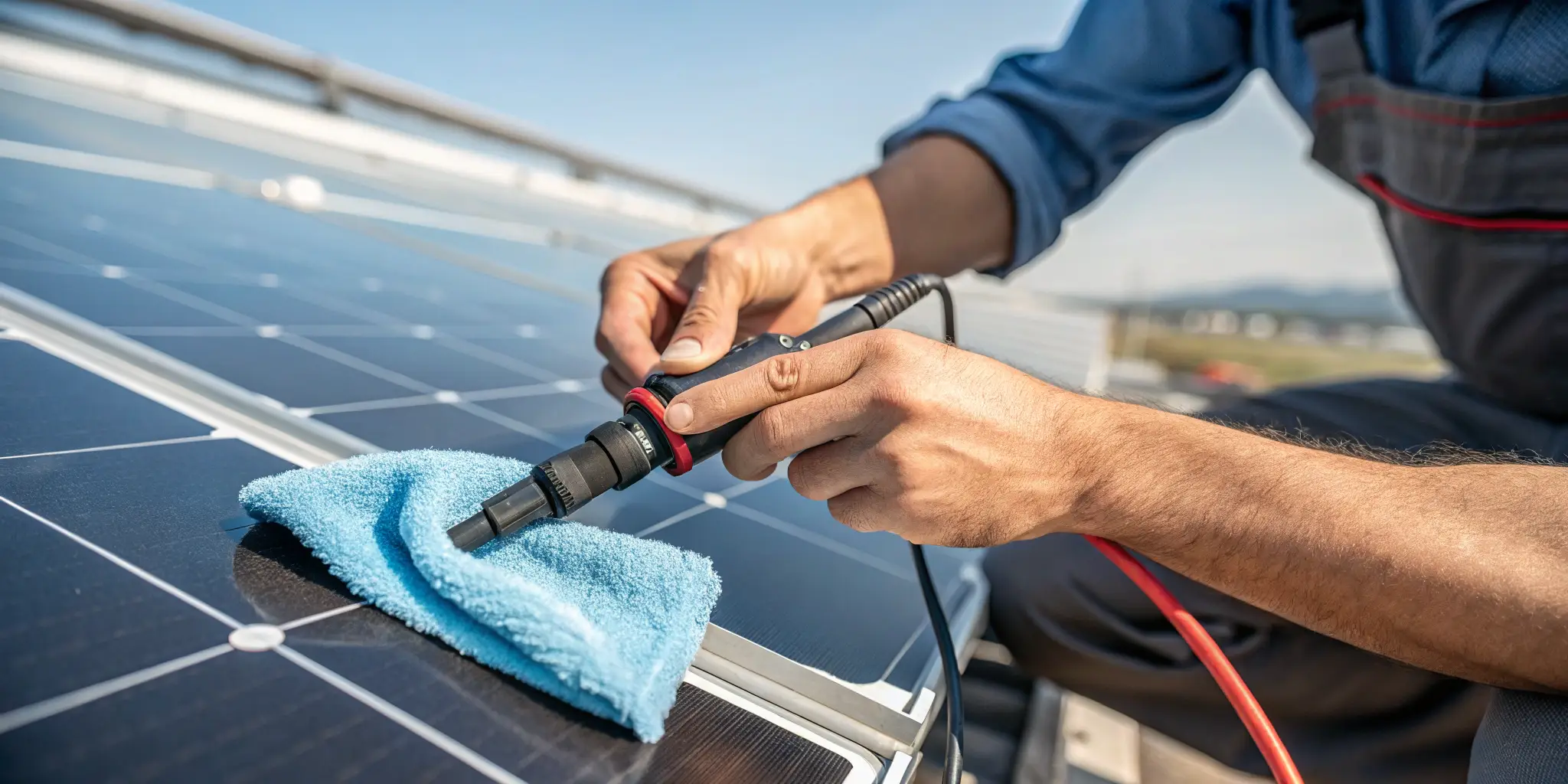
Cleaning is a crucial first step in MC4 connector maintenance. Here’s a breakdown of the process:
Steps for Cleaning MC4 Connectors
-
Turn Off the System
Before you start, make sure the system is off to avoid electrical shock. Disconnect the solar panel connections to be safe. -
Remove Loose Dirt
Use a soft cloth or brush to gently wipe away dirt, dust, or debris on the connectors. A microfiber cloth works well as it won’t scratch the surface. -
Clean with Soap and Water (Optional)
For tough grime, a solution of warm water and mild soap can be used. Dampen the cloth with the solution and gently wipe the connectors. Avoid getting water inside the connectors to prevent corrosion. -
Dry Thoroughly
After cleaning, use a dry cloth to wipe away any remaining moisture. It’s crucial to make sure the connectors are completely dry before reconnecting. -
Inspect for Damage
Cleaning is the perfect time to look for any cracks, rust, or wear on the connectors that could affect performance.
Tip: Never use harsh chemicals, abrasive brushes, or high-pressure water, as these can damage the connectors.
What Are the Best Practices for Inspecting MC4 Connectors Regularly?
Routine inspection of your MC4 connectors helps detect early signs of wear or damage that could compromise the system. Regular checks can prevent major issues down the line.
Inspect your MC4 connectors every 6 months or after extreme weather events. Look for corrosion2, loose connections, or any wear and tear that might affect their functionality.
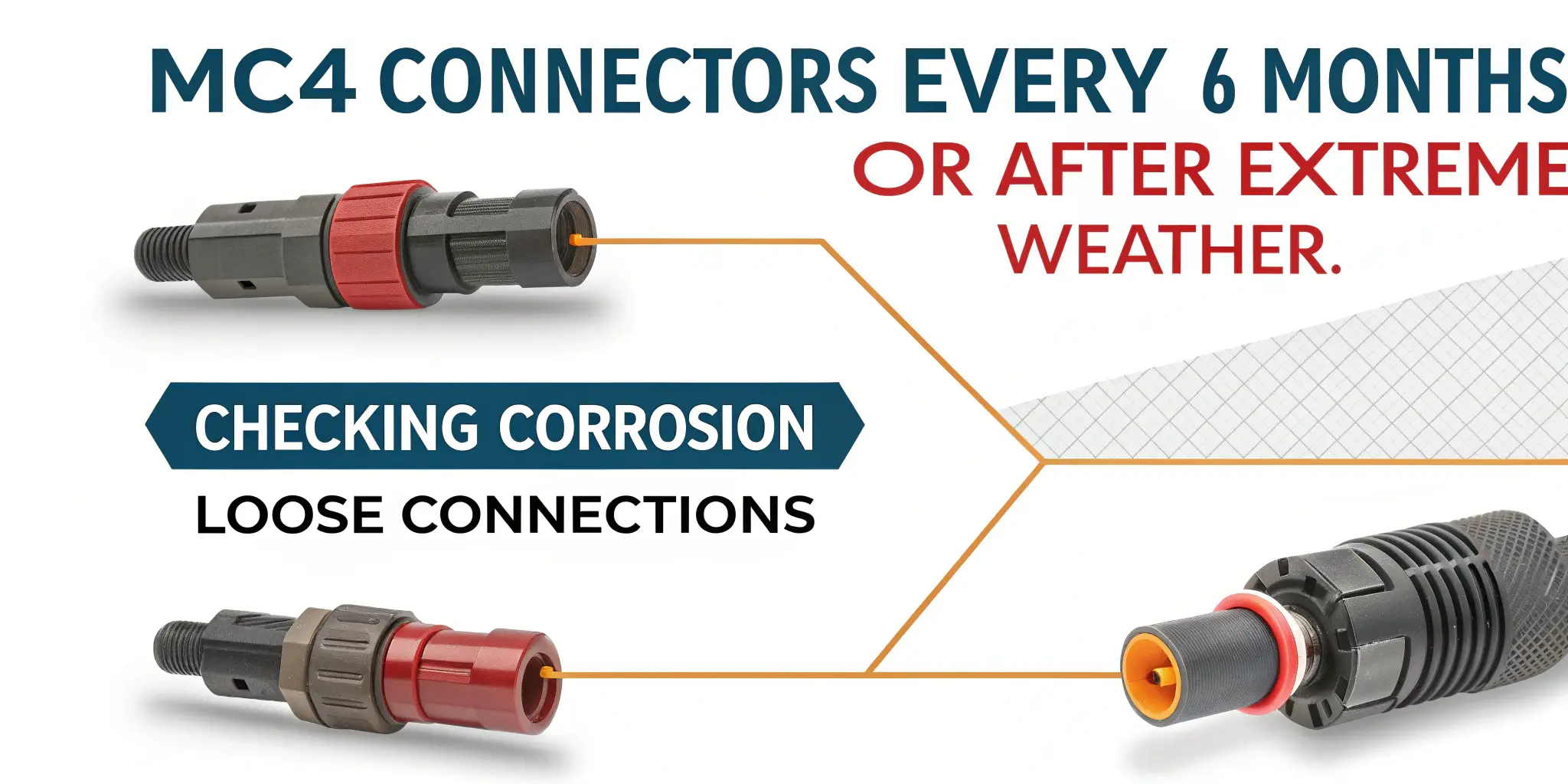
Regular inspection should become a habit to ensure everything is running smoothly. Here are the key steps to take during an inspection:
Key Points to Inspect
-
Connector Tightness
Ensure that the MC4 connectors are securely fastened. Loose connections can result in poor energy transfer or even arcing. -
Check for Corrosion or Rust
Corrosion is a common problem that can occur due to moisture exposure. Check the connectors’ metal parts for any sign of rust, especially after heavy rain or snow. -
Look for Physical Damage
Inspect for cracks or damage in the plastic casing of the connectors. Physical damage can expose the internal parts to environmental elements and lead to short circuits. -
Verify the Locking Mechanism
The locking mechanism of MC4 connectors ensures they stay connected. Ensure the latch is working properly and that the connectors stay locked in place. -
Monitor the Cables
Look at the cables connected to the MC4 connectors for any signs of wear or fraying. Damaged cables can interfere with the power transfer and lead to system malfunctions.
Tip: If you're unable to do a thorough inspection yourself, it’s a good idea to hire a professional solar technician3 every year to perform a more detailed check.
How Can You Prevent Corrosion and Rust in MC4 Connectors?
Corrosion and rust can severely damage MC4 connectors, making them less effective and potentially unsafe. Preventing these issues is a key part of long-term maintenance.
To prevent corrosion, keep connectors dry, ensure they're properly sealed, and use corrosion-resistant materials4. Regular cleaning can also help remove moisture before it causes damage.
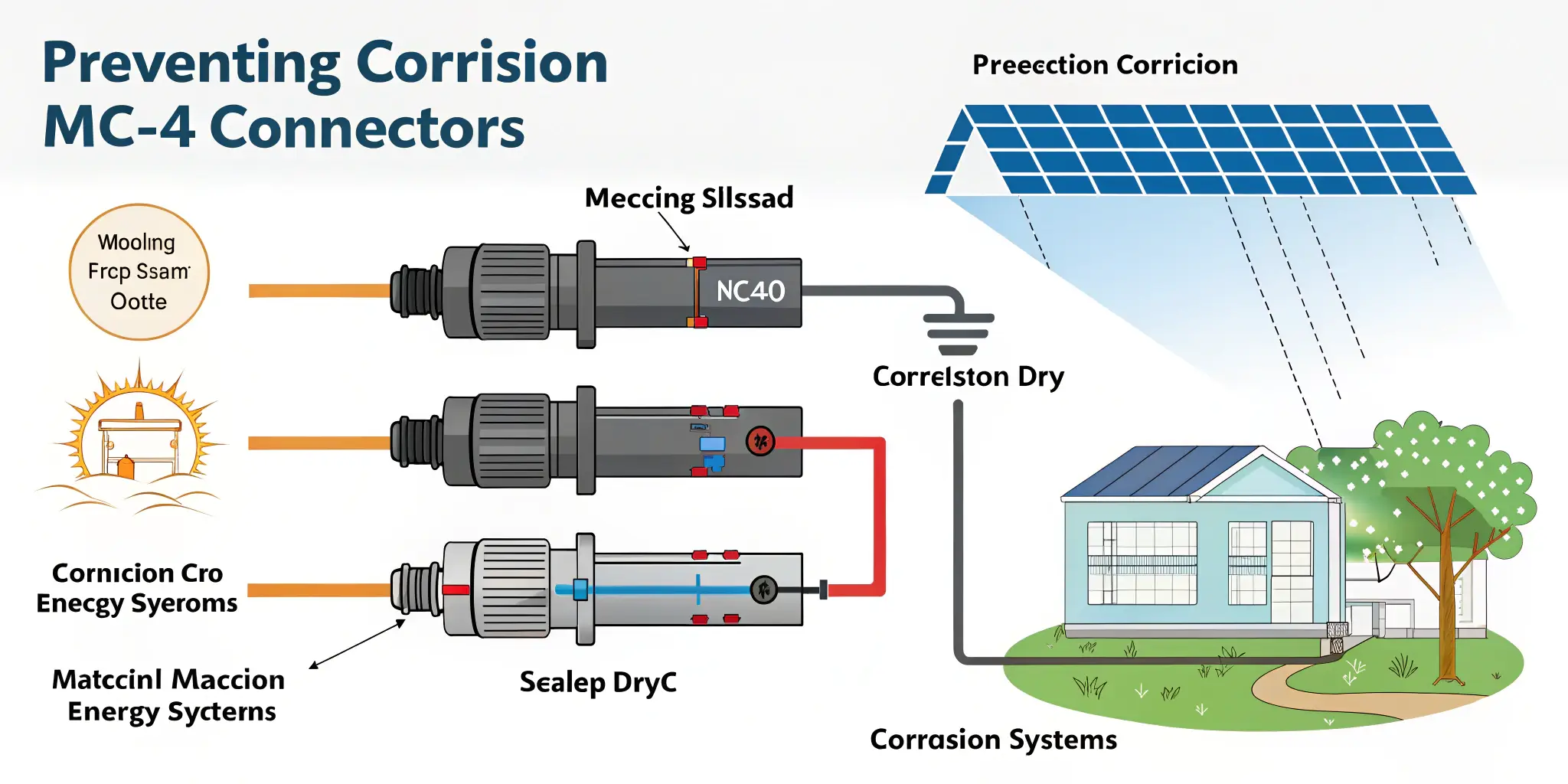
Corrosion is a leading cause of MC4 connector failure. Here’s how to prevent it:
Steps to Prevent Corrosion
-
Seal Connectors Properly
Ensure that the MC4 connectors are properly sealed when installed. Any moisture that gets inside can lead to corrosion. High-quality connectors come with waterproof seals to prevent water ingress. -
Use Corrosion-Resistant Materials
Choose MC4 connectors made from corrosion-resistant materials, like stainless steel or copper-plated contacts. These are less likely to rust or degrade over time. -
Regular Cleaning
Dust and dirt can trap moisture on the surface of connectors, promoting rust formation. Regular cleaning ensures that no buildup occurs and helps maintain good airflow around the connectors. -
Apply Anti-Corrosion Spray (Optional)
In areas with high humidity or salt exposure, consider using anti-corrosion spray5 on the metal parts of the connectors. This creates an additional layer of protection against rust.
Tip: Use silicone gel around the connections to provide an extra waterproofing barrier.
What Is the Recommended Frequency for Checking the Condition of MC4 Connectors?
How often should you check your MC4 connectors? The frequency of maintenance depends on several factors, including environmental conditions and how often the system is used.
Ideally, check MC4 connectors at least twice a year. However, after extreme weather events like storms or heavy snow, it's essential to inspect them immediately.

Setting a regular maintenance schedule6 ensures you don’t miss any potential issues that could lead to system downtime.
Maintenance Frequency Based on Conditions
-
Standard Conditions (Twice a Year)
In most cases, performing a quick inspection and cleaning every six months is sufficient. This is especially true for systems located in mild climates where the weather doesn’t cause much stress on the system. -
Harsh Environments (After Every Storm)
In areas prone to harsh weather7, like heavy rain, snow, or high winds, you should inspect your MC4 connectors after every significant weather event. Extreme weather can cause debris buildup, corrosion, or physical damage. -
High-Dust Areas (Every 3-4 Months)
If your system is located in a dusty area, the connectors should be checked more frequently, as dust can accumulate quickly and obstruct airflow. -
System Age (Annually)
Older systems may require more frequent inspections due to wear and tear. An annual check-up ensures the entire system is functioning optimally.
Tip: If you’re unsure about the frequency, a professional solar technician can provide guidance based on your specific environment.
How Do You Identify and Fix Common Problems with MC4 Connectors During Maintenance?
During routine maintenance, you might encounter common problems with your MC4 connectors. Knowing how to identify and fix these issues can prevent system failure.
Some common MC4 connector issues include loose connections8, corrosion, and broken seals. These problems can often be fixed with simple adjustments or replacements.
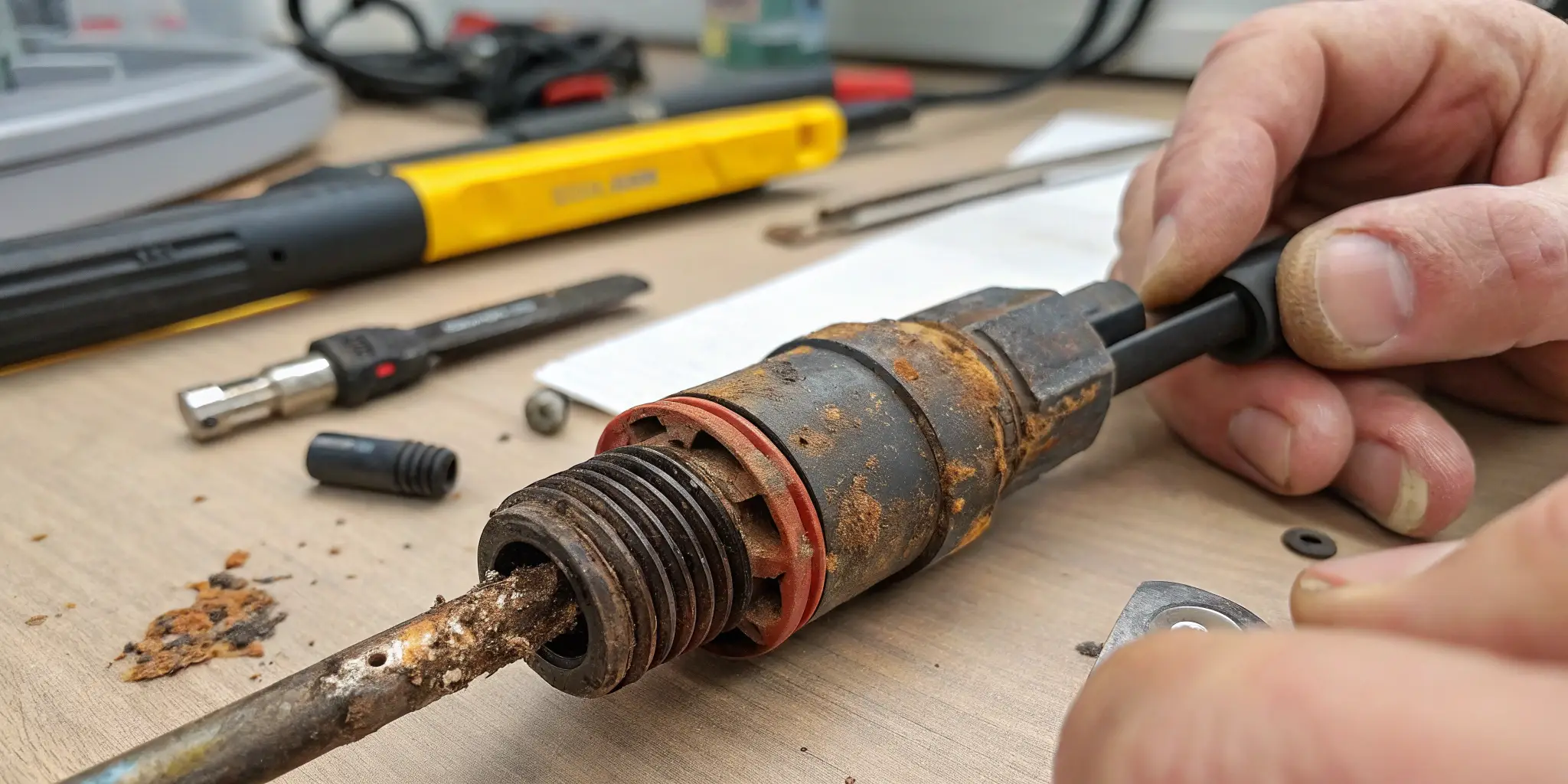
Here’s how to address some of the most common issues:
Common MC4 Connector Problems and Solutions
-
Loose Connections
- Problem: A loose connector can cause power loss or arcing.
- Solution: Tighten the connections securely. If the locking mechanism is damaged, replace the connector.
-
Corrosion
- Problem: Corrosion on the metal parts can interfere with power transmission.
- Solution: Clean the affected area and use corrosion-resistant materials. If the corrosion is severe, replace the connector.
-
Damaged Seals
- Problem: If the seal is damaged, moisture can get into the connector, causing corrosion.
- Solution: Replace the damaged seals or use silicone gel to reseal the connector.
-
Cracked or Broken Connectors
- Problem: Cracks or breaks can expose the internal components, leading to system failure.
- Solution: Replace the damaged connector with a new one. Ensure the new connector is installed securely.
Tip: Always keep a few spare connectors on hand in case of an emergency.
Conclusion
Routine maintenance of MC4 connectors ensures your solar system operates efficiently and safely. Regular cleaning, inspections, and prompt repairs will help extend the life of your system.
-
Understanding MC4 connectors is essential for effective maintenance and optimal performance in solar systems. ↩
-
Preventing corrosion is vital for the longevity of electrical systems. This resource will provide you with effective strategies to protect your connectors. ↩
-
Hiring a solar technician can ensure your system is thoroughly checked. Discover what to expect from a professional inspection service. ↩
-
Discover the best materials to use for connectors to prevent corrosion and ensure longevity. This resource will guide you in making informed choices. ↩
-
Learn about the effectiveness of anti-corrosion sprays and how they can protect your electrical components from rust and corrosion. ↩
-
A well-structured maintenance schedule can prevent issues. Discover tips on creating one for your solar system. ↩
-
Harsh weather can significantly impact your solar system. Learn how to protect your connectors from extreme conditions. ↩
-
Loose connections can lead to significant power loss. Discover the implications and solutions by exploring this informative link. ↩