 Skip to content
How to Identify and Fix Common Problems with MC4 Connectors?
MC4 connectors are widely used in solar photovoltaic (PV) systems to ensure secure and reliable electrical connections. However, like any component, they can develop issues over time due to wear, improper installation, or environmental factors. Understanding common problems and how to fix them can prevent power loss, overheating, and system failures.
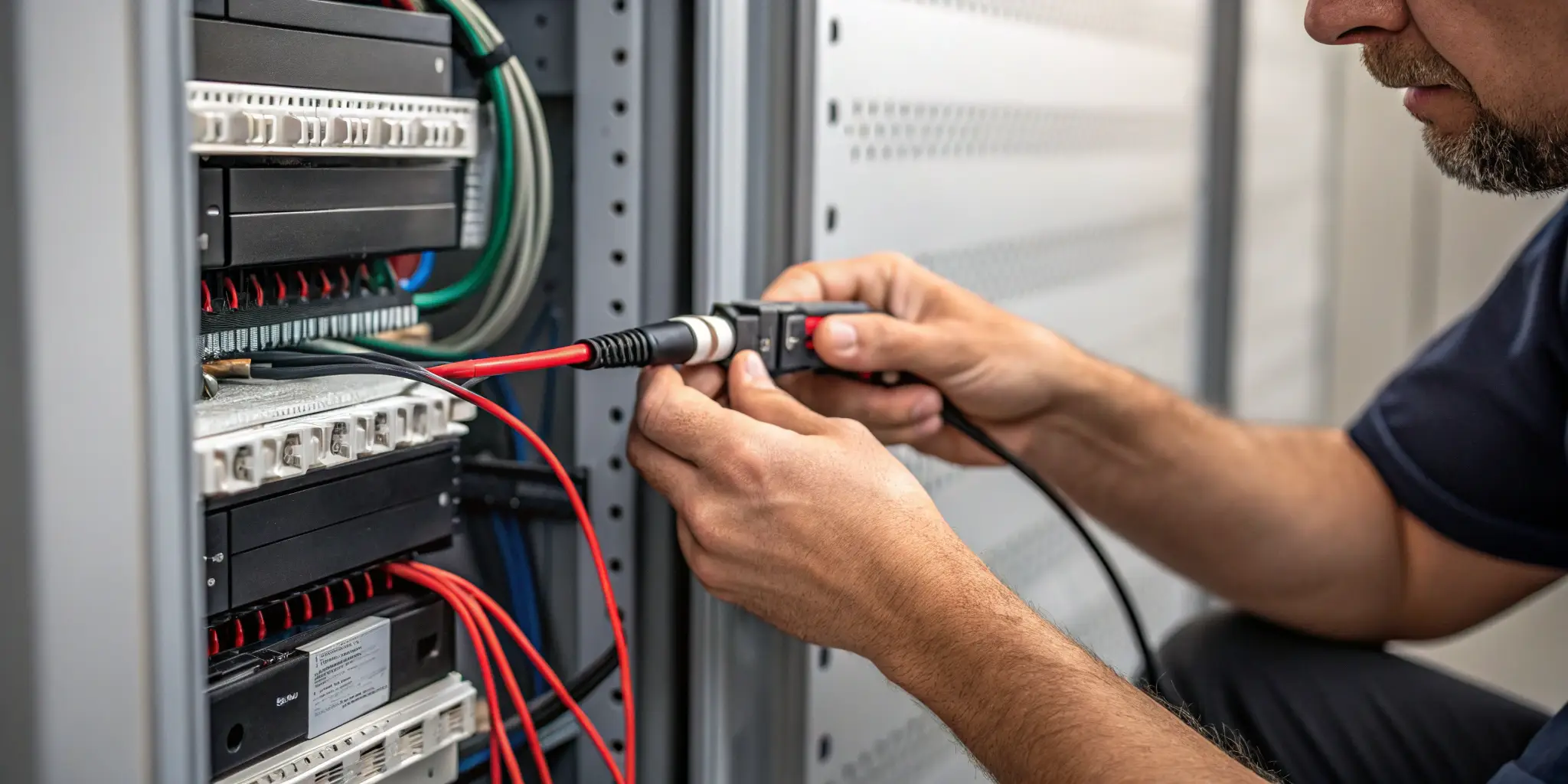
This guide covers the most frequent MC4 connector problems and provides solutions to keep your solar system running efficiently.
What Are the Most Common Issues with MC4 Connectors?
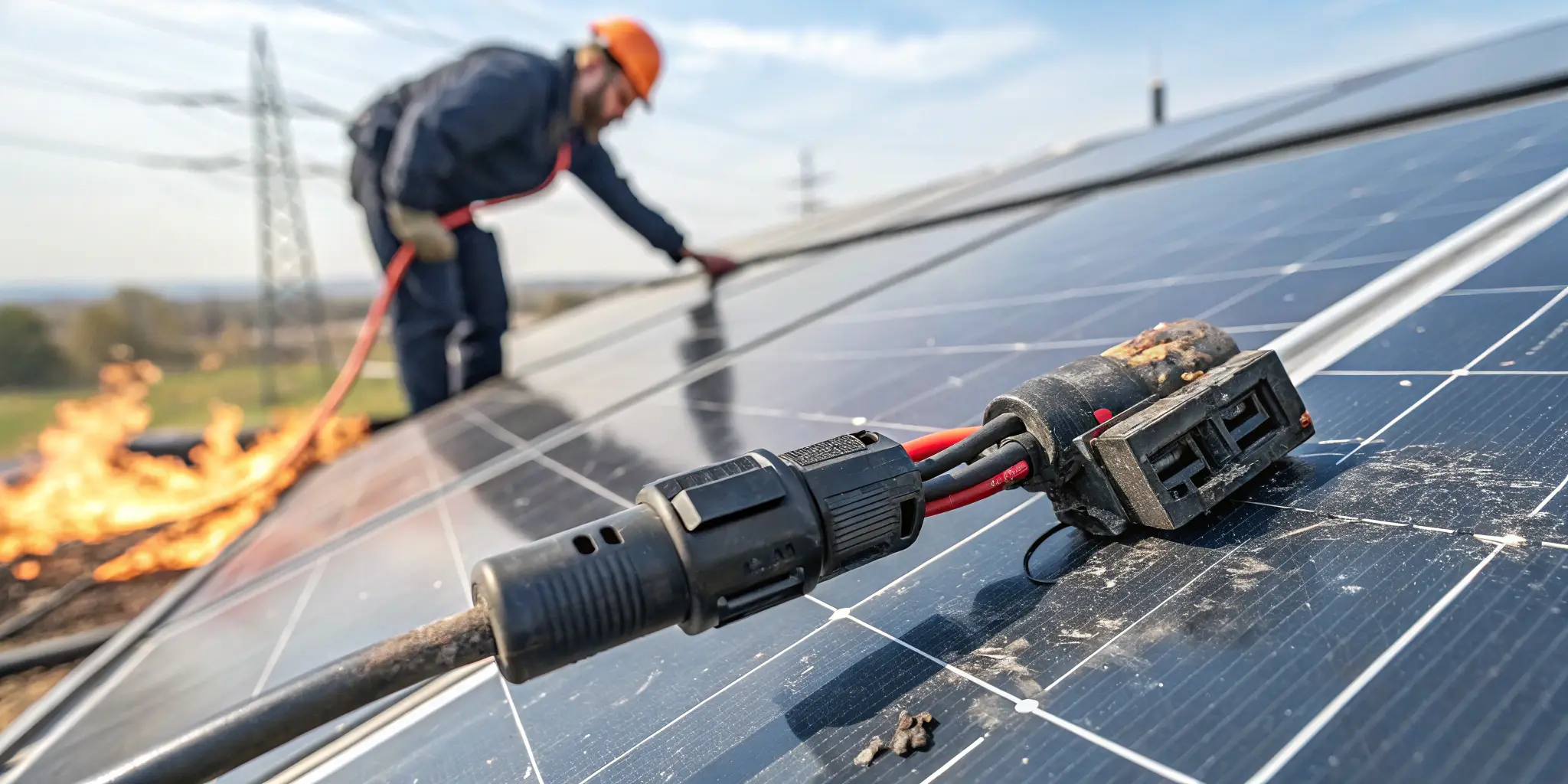
Several issues can affect MC4 connectors, leading to performance degradation or safety risks.
Top MC4 Connector Problems:
- Loose Connections1 – Poorly crimped or connected MC4 terminals can cause power loss and arcing.
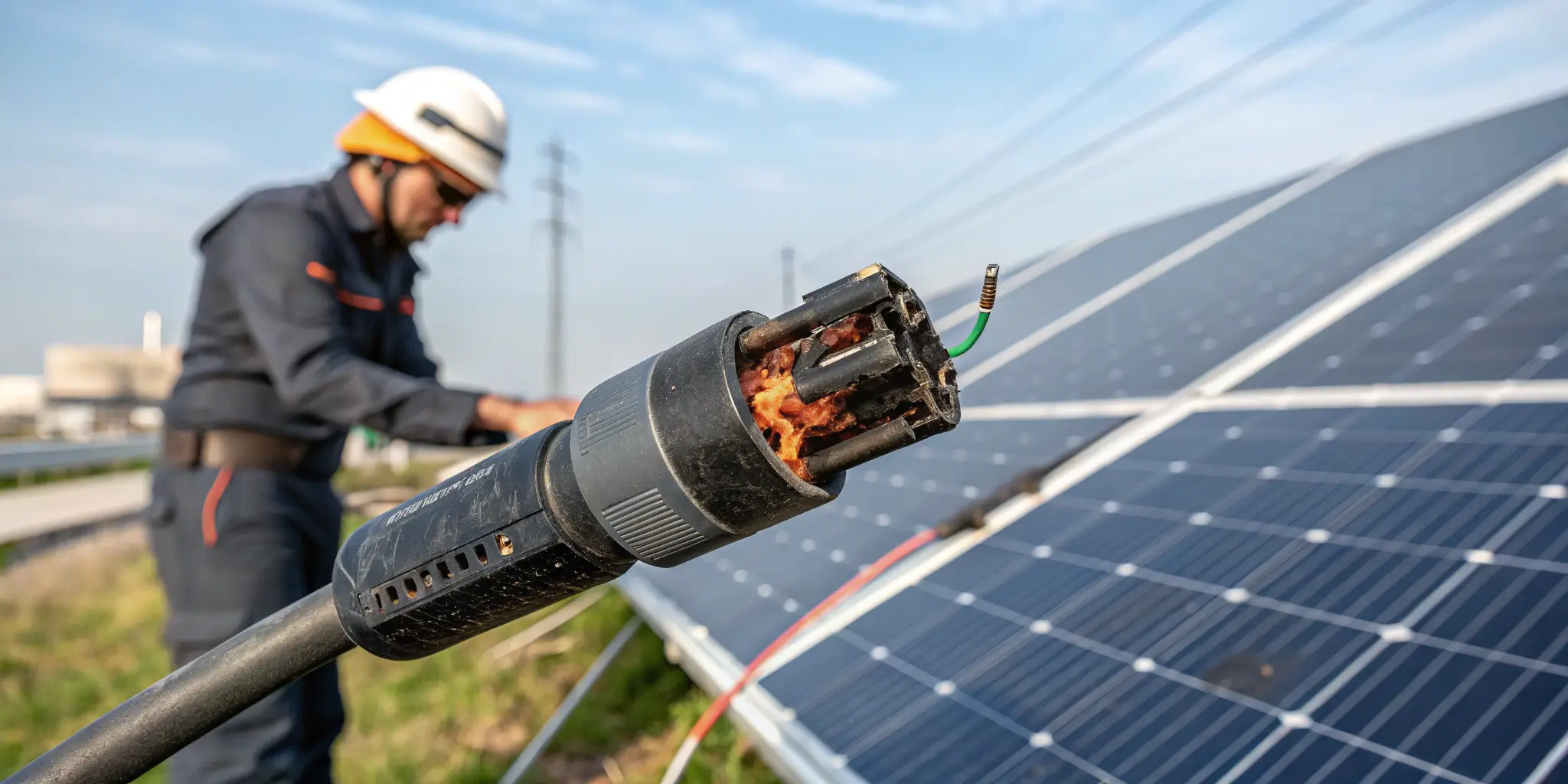
- Overheating and Melting – High resistance at connection points can generate excessive heat.
- Water Ingress and Corrosion2 – Improperly sealed connectors allow moisture to enter, leading to rust and failure.
- Connector Mismatch – Using MC4 connectors from different manufacturers can lead to improper fitting and electrical issues.
- Broken or Cracked Housings – Physical damage from UV exposure, impact, or aging can compromise the insulation.
- High Contact Resistance3 – Dirt, oxidation, or improper crimping can increase electrical resistance and reduce efficiency.
How Can You Detect a Faulty MC4 Connector?
Regular inspections help identify faulty MC4 connectors4 before they cause significant damage.
Steps to Identify Issues:
- Visual Inspection
🔍 Check for cracks, discoloration, loose connections, or burn marks on the connector housing. - Thermal Scanning
🌡️ Use an infrared (IR) camera to detect hotspots that indicate high resistance and overheating. - Voltage and Resistance Testing
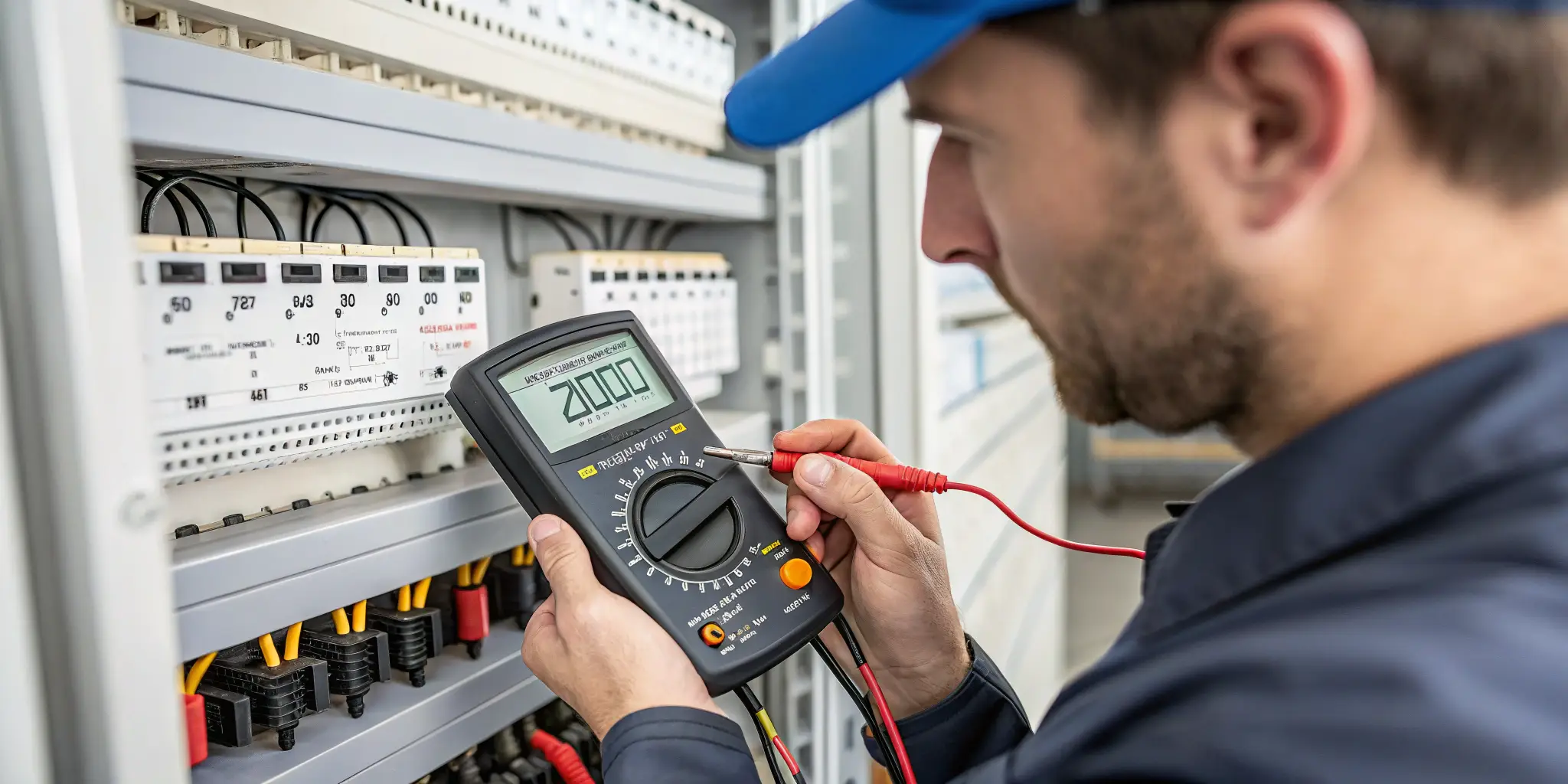
🔧 Measure the voltage drop5 across connectors using a multimeter to identify high resistance points. - Physical Connection Check
🤝 Ensure connectors are fully locked in place with no gaps or loose fits. - Waterproofing Test
💦 Examine seals for signs of moisture infiltration, which can cause corrosion.
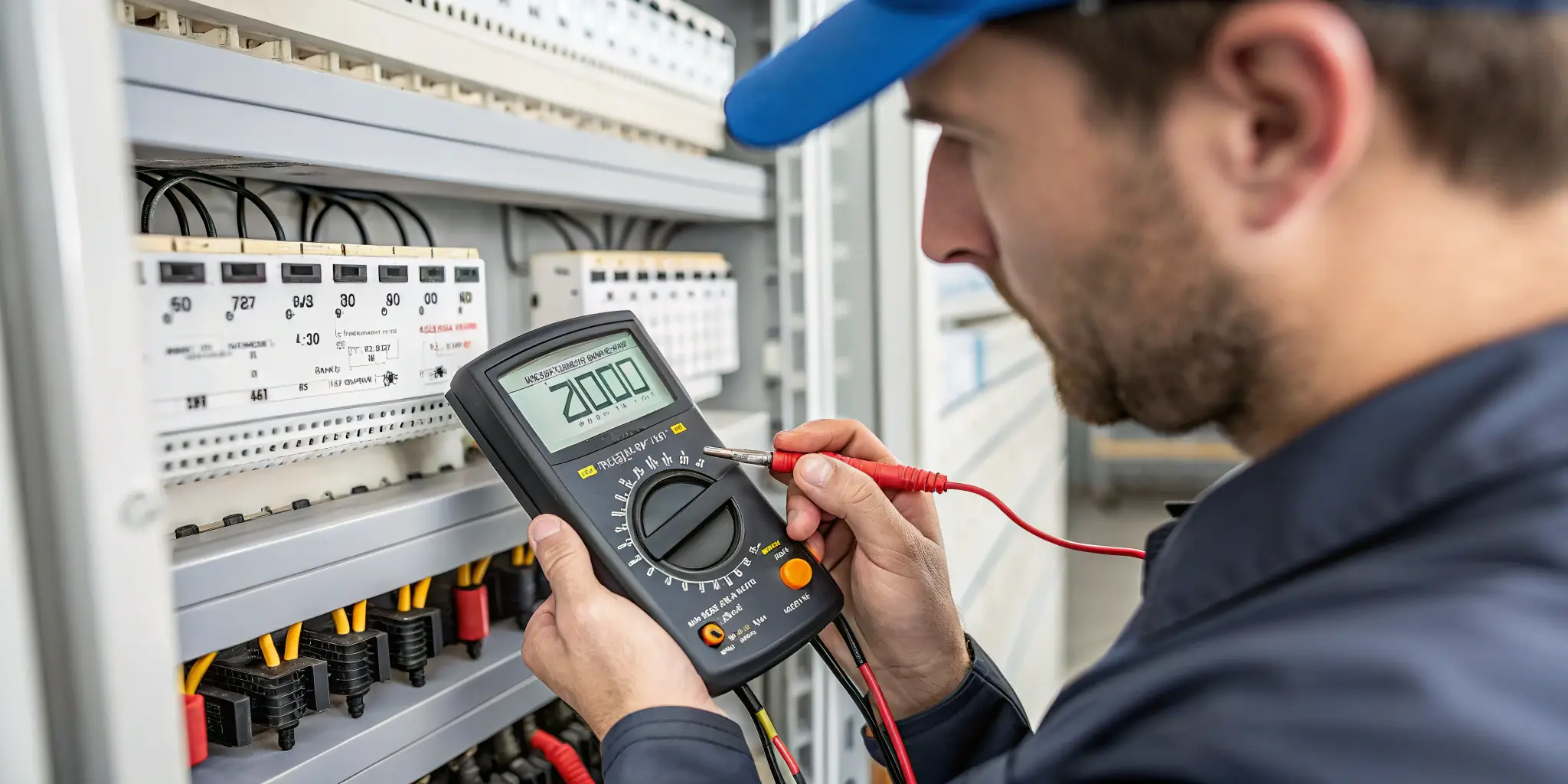
If any of these issues are found, immediate repair or replacement is necessary.
What Are the Main Causes of Loose or Overheated MC4 Connections6?
Loose or overheated connections can lead to severe electrical hazards. Understanding the root causes helps prevent these issues.
Causes of Loose MC4 Connections:
- Incorrect Installation – Incomplete insertion or improper locking of connectors.
- Worn-Out Contacts – Repeated disconnections can cause metal fatigue and reduced conductivity.
- Mismatched Connectors – Using non-compatible MC4 connectors can lead to improper engagement.
- Improper Crimping7 – Poorly crimped cables can result in weak electrical contact.
Causes of Overheated MC4 Connections:
- High Resistance Due to Poor Contact – Loose or corroded contacts increase resistance and heat buildup.
- Undersized Cables – Using cables with inadequate current capacity can cause excessive heat.
- Dirty or Oxidized Contacts – Dirt, moisture, and oxidation increase resistance.
- Overloaded Circuits – Connecting too many panels to a single string can exceed the current rating.
How Do You Properly Repair or Replace a Damaged MC4 Connector?
When an MC4 connector is damaged, it should be either repaired (if minor) or replaced to ensure system safety and efficiency.
Steps to Replace an MC4 Connector:
- Turn Off the Solar System – Always disconnect the system before working on any electrical components.
- Identify the Faulty Connector – Inspect and test to confirm which connector needs replacement.
- Cut and Strip the Cable – Use a wire cutter to remove the damaged connector and strip about 6-8mm of insulation.
- Crimp a New MC4 Terminal – Use an MC4 crimping tool8 to securely attach a new terminal to the cable.
- Insert into MC4 Housing – Place the crimped terminal inside the MC4 male or female housing.
- Lock the Connector – Ensure a proper fit and locking mechanism engagement.
- Test the Connection – Use a multimeter to verify continuity and resistance before reconnecting to the system.
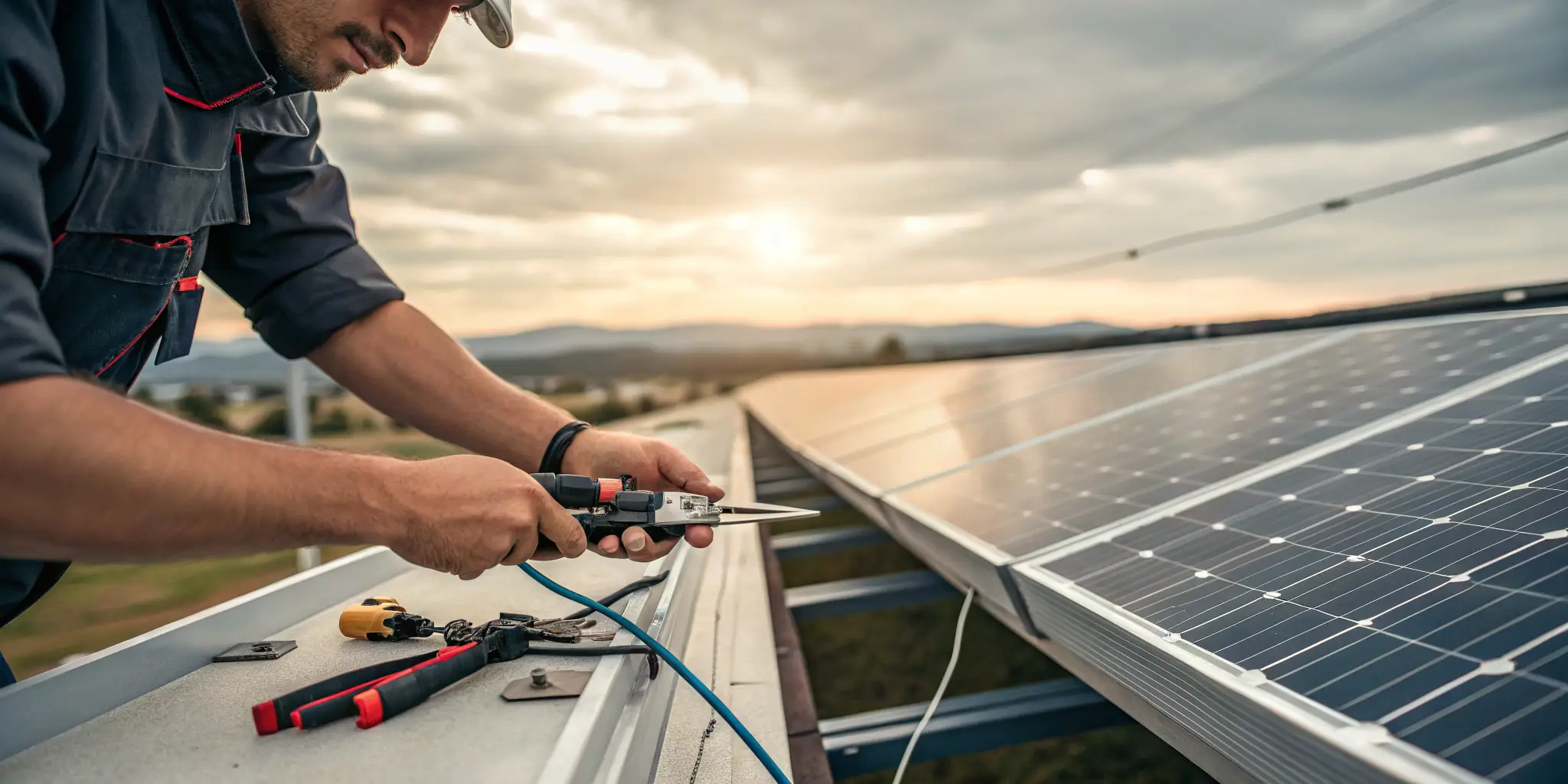
⚠️ Warning: Never attempt to repair a connector while the solar system9 is live. Always take necessary safety precautions.
What Preventative Maintenance Can Extend the Lifespan of MC4 Connectors?
Regular maintenance reduces the risk of failures and ensures long-term reliability.
Preventative Maintenance Tips10:
✔ Perform Routine Inspections11 – Check connectors at least once a year for wear, cracks, or corrosion.
✔ Keep Connectors Clean – Use a dry brush or contact cleaner to remove dust and debris.
✔ Ensure Proper Installation – Always follow manufacturer guidelines for crimping and assembly.
✔ Avoid Unnecessary Disconnections – Repeated plugging/unplugging can wear out contacts.
✔ Use Compatible MC4 Connectors – Mixing brands can lead to poor contact and electrical losses.
✔ Protect Against Harsh Environments – In extreme climates, consider using UV-resistant and IP68-rated connectors12.
By following these best practices, you can significantly extend the life of your MC4 connectors and prevent costly repairs.
Conclusion
MC4 connectors are vital for the performance and safety of solar PV systems. Identifying and fixing issues early can prevent power losses, overheating, and safety hazards.
Key Takeaways:
✔ Regularly inspect connectors for damage, loose connections, and corrosion.
✔ Use thermal scanning and multimeters to detect faults before failure occurs.
✔ Ensure proper installation and crimping to prevent overheating.
✔ Replace damaged or incompatible MC4 connectors immediately.
✔ Follow preventative maintenance practices to extend lifespan and efficiency.
For high-quality MC4 connectors and professional solar solutions, visit www.rayenrg.com today.
-
Understanding the causes of loose connections can help prevent power loss and ensure safety in solar installations. ↩
-
Exploring the impact of water ingress can help you protect your solar system from rust and failure. ↩
-
Learning about high contact resistance can improve the efficiency and longevity of your solar connections. ↩
-
Understanding MC4 connectors is crucial for effective solar panel installations and maintenance. Explore this link for detailed insights. ↩
-
Voltage drop can indicate resistance issues in electrical systems. Learn more about its significance and how to measure it effectively. ↩
-
Discover the main reasons behind overheated MC4 connections and learn how to mitigate these risks effectively. ↩
-
Learn about the impact of improper crimping on MC4 connections and find solutions to ensure reliable electrical contact. ↩
-
Choosing the right crimping tool ensures a secure connection, enhancing the reliability of your solar system. Check this resource for recommendations. ↩
-
Proper maintenance of your solar system is key to longevity and efficiency. Discover expert tips and best practices in this informative link. ↩
-
Learning about preventative maintenance tips can help you ensure the longevity and reliability of your MC4 connectors. ↩
-
Understanding the importance of routine inspections can help you maintain your MC4 connectors effectively and prevent failures. ↩
-
Exploring the advantages of these connectors can enhance your knowledge on protecting your system in harsh environments. ↩
